


+9 options for Corner Kitchen Fast Food Simulator trainer cheat engine.
Corner Kitchen Fast Food Simulator, developed by Purple Heads Games, published by Purple Heads Games.
Trainer Versions: v2.240715453755217
Game Reviews: Buy cooking equipment, prepare delicious meals, and serve hungry customers. Upgrade your setup, read customer reviews, and expand your business to become the top fast-food joint in the city.
How to use Corner Kitchen Fast Food Simulator Trainer?
• Start the Game you want to Cheat on.
• After the Game has been loaded make sure to Enter Into the Game World. (Continue From Last save)
• Open up the Trainer you have downloaded (Extract It somewhere).
• Press F1 – This will Activate the Trainer and will Allow you to use the Cheats. (If a specific Trainer does not have that feature [F1] just move along into the next step)
• Use the F Keys (F1-F12) to Activate the wanted Cheats. (In Modern Trainers you can Edit the Keys to other Keys, Check Q&A to see how)
• Done!
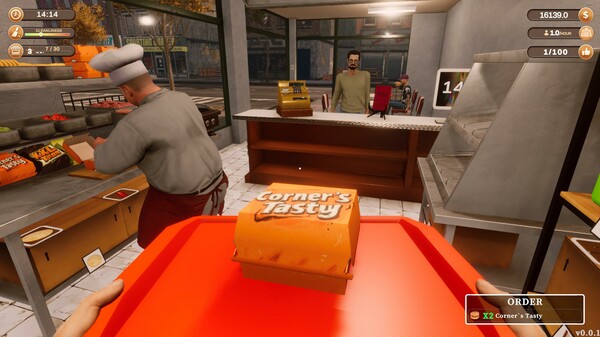
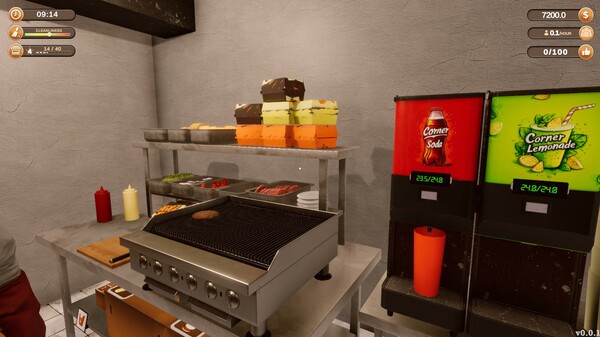
Corner Kitchen Fast Food Simulator Cheat Table Options
The game is compatible with all versions of Windows. If you experience a DLL error, please ensure to download the most recent version of the .NET Framework.
Updates Log:
-Updated for the latest GUI.